 ...makes video editing perfect!
The manufactory for video editing pc and workstations.
Hand assembled and configured by specialists for video editing.
Computers for digital media production are more demanding in component selection, configuration and support than conventional PCs. For more than 20 years, our team has built each job with great care and experience. This allows our clients to focus on the essentials, creative work. If a problem occurs, you have the direct line to the manufacturer. Well-rehearsed processes that protect your nerves!Sophisticated functionality.
In the course of its development, the VIDEOSTATION® has managed to internalize a series of functionalities that differentiate this video editing pc so much from the competition. The integrated concept enables smooth workflows with astonishing performance and speed. In the event of a failure, the delivery status can be restored within minutes. These properties simply cannot be found on a standard "out of the box" PC.
"High Speed Storage" included
The special: VIDEOSTATION® comes with HSS® and VRAID®*, a high-speed storage solution. This not only provides very high speeds for UHD video material. It is also fault tolerant and can scale up to 144TB. The SEGURO hard drives used for this purpose underline their reliability with a 5-year warranty. Additionally, each VIDEOSTATION® can be equipped with a Solid State (SSD) -based HSS plug-in that is fast enough for the most demanding UHD video formats of the future. Transfer speeds of up to 7,000MB / sec (read) and 5,000MB / sec (write) are achieved..
* As of October 2017 standard for the Gran Montaña model
Fault tolerance included.
Digital content is now an asset, both during and after processing. VIDEOSTATION® takes this into account with an integrated storage solution based on RAID, a fault-tolerant mass storage method. It consists of individual SATA hard drives available on the market, which can be added and replaced without the need for tools. This combines several advantages in a single hardware: large capacities (up to 96 TeraByte) with very high speeds (up to> 1,100MB / s) and also fault tolerant and flexibly divisible. This clever solution is included in every VIDEOSTATION® at no additional cost and allows a multitude of variations. Read more about this in the RAID-Storage.
Elaborate processing!
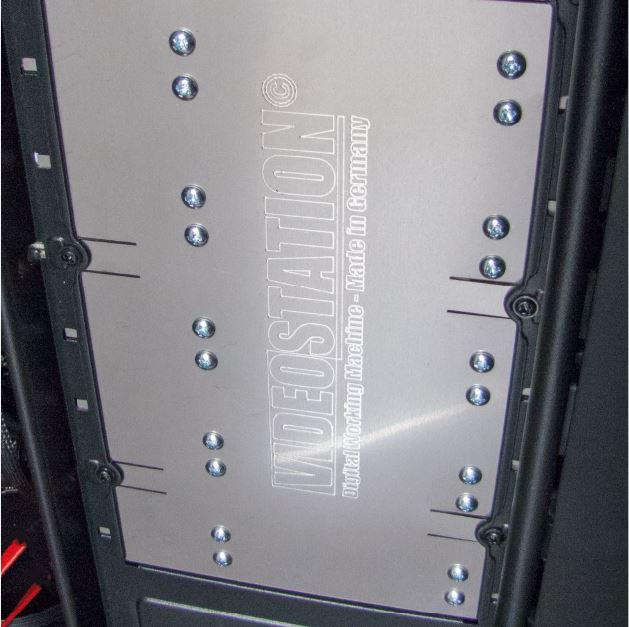
Ergonomics is written in capital letters. VIDEOSTATION® meets the highest demands for a pleasant working environment for concentrated work: Specially manufactured stainless steel * elements significantly reduce both noise and cold insulation.
* Only Gran Montaña and Nucleo models

Universal interface.
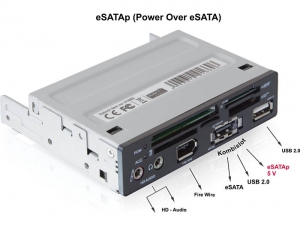
No other video editing pc or workstation offers so many easily accessible external ports for connecting additional devices. In addition to eSATAp, USB 2.0 and 3.0 / 3.1, Firewire and HD sound, the card reader detects up to 57 different formats, some of which are delivered directly from the camcorder (eg SDHS or SDXC with up to 2,048GB). Optionally, there are 5V and 12V outputs for powering small appliances.
Parallel Processing with CUDA ™
(Also ADOBE ® Premiere Playback Engine)
The future of high-speed computing is embedded in every VIDEOSTATION®: It runs parallel to the processing power of graphics cards. Read more...
Compatibility.
IDEOSTATION® is the optimal hardware platform for the use of all common video
editing, animation and compositing programs such as ADOBE® Premiere and After Effects, AVID® Media Composer, Blender, CANOPUS® Edius, MAXON® Cinema 4D, MAGIX® Video Pro X and Movie Edit Pro and PINNACLE® Studio
and SONY® Vegas
The hardware components built into the VIDEOSTATION® are designed so that the editing suite not only meets the manufacturer's system requirements for these editing programs, but is specifically tailored to the
requirements of video editing applications on the hardware used.
The VIDEOSTATION® is therefore an excellent alternative to the officially certified workstations such as B. the HP Z840 or
the DELL Precision series.
64-bit applications.
Well known manufacturers of video editing programs such as ADOBE® and AVID® rely exclusively on a 64-Bit program . The advantages lie in the simpler calculation of video algorithms and the addressability of a larger working memory from which this data is made available and calculated at lightning speed. VIDEOSTATION® is specifically designed to support these advantages.
*ADOBE After Effects, Photoshop and Premier from CS5 and AVID from Media Composer 5.5
Comprehensive software package included!
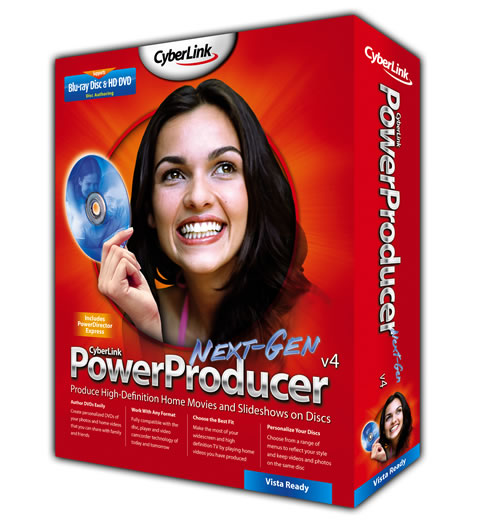
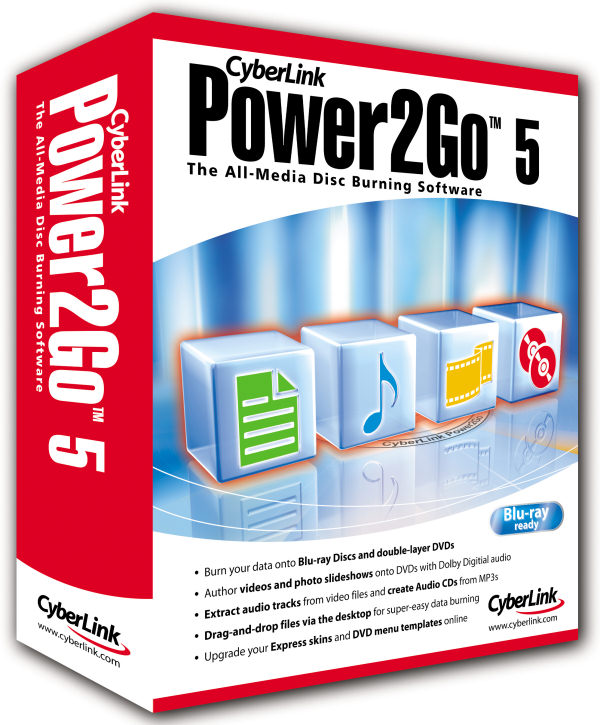
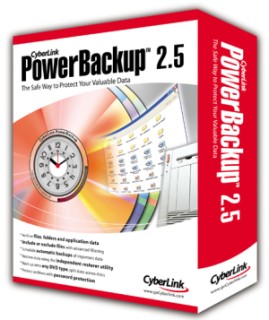
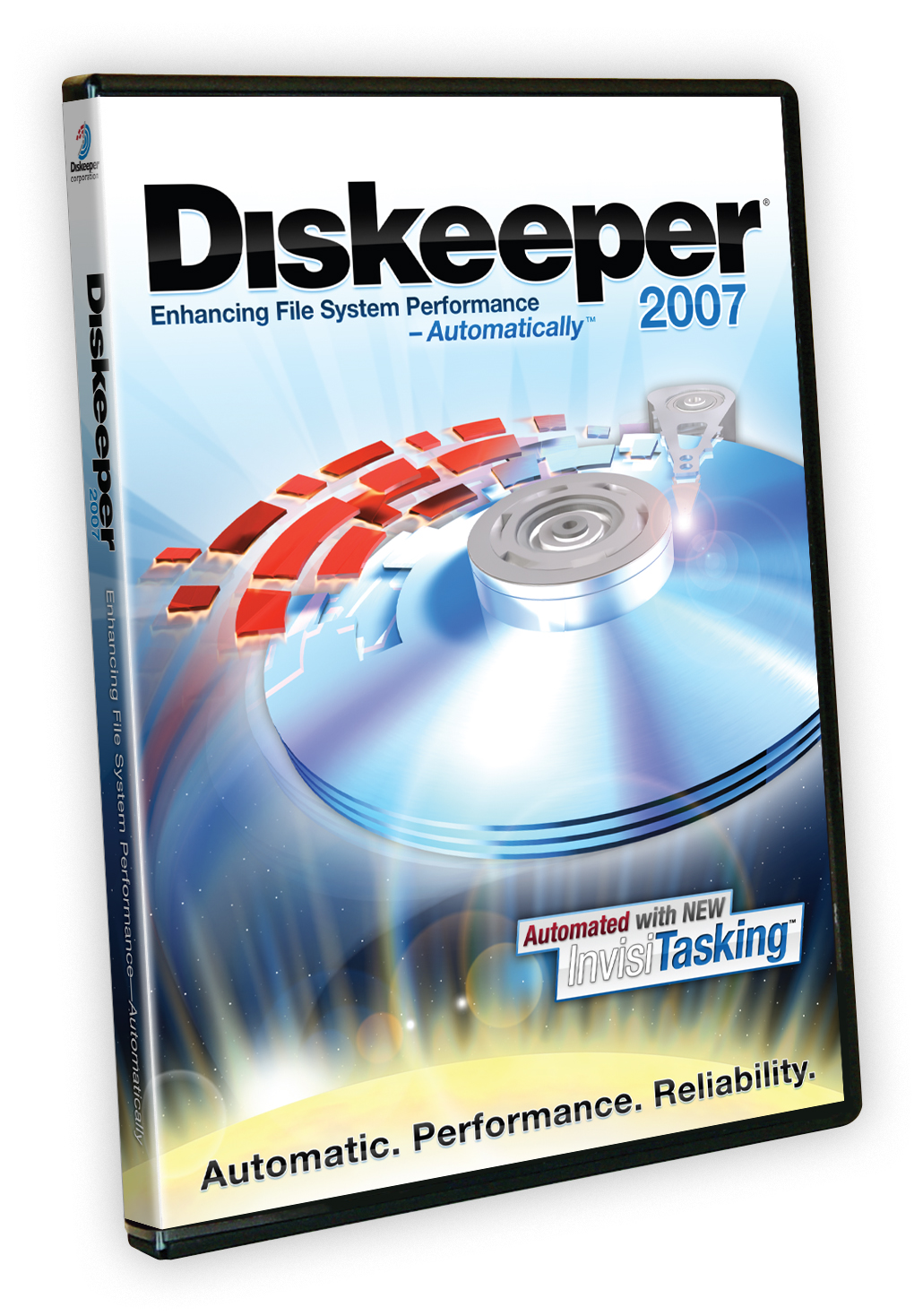

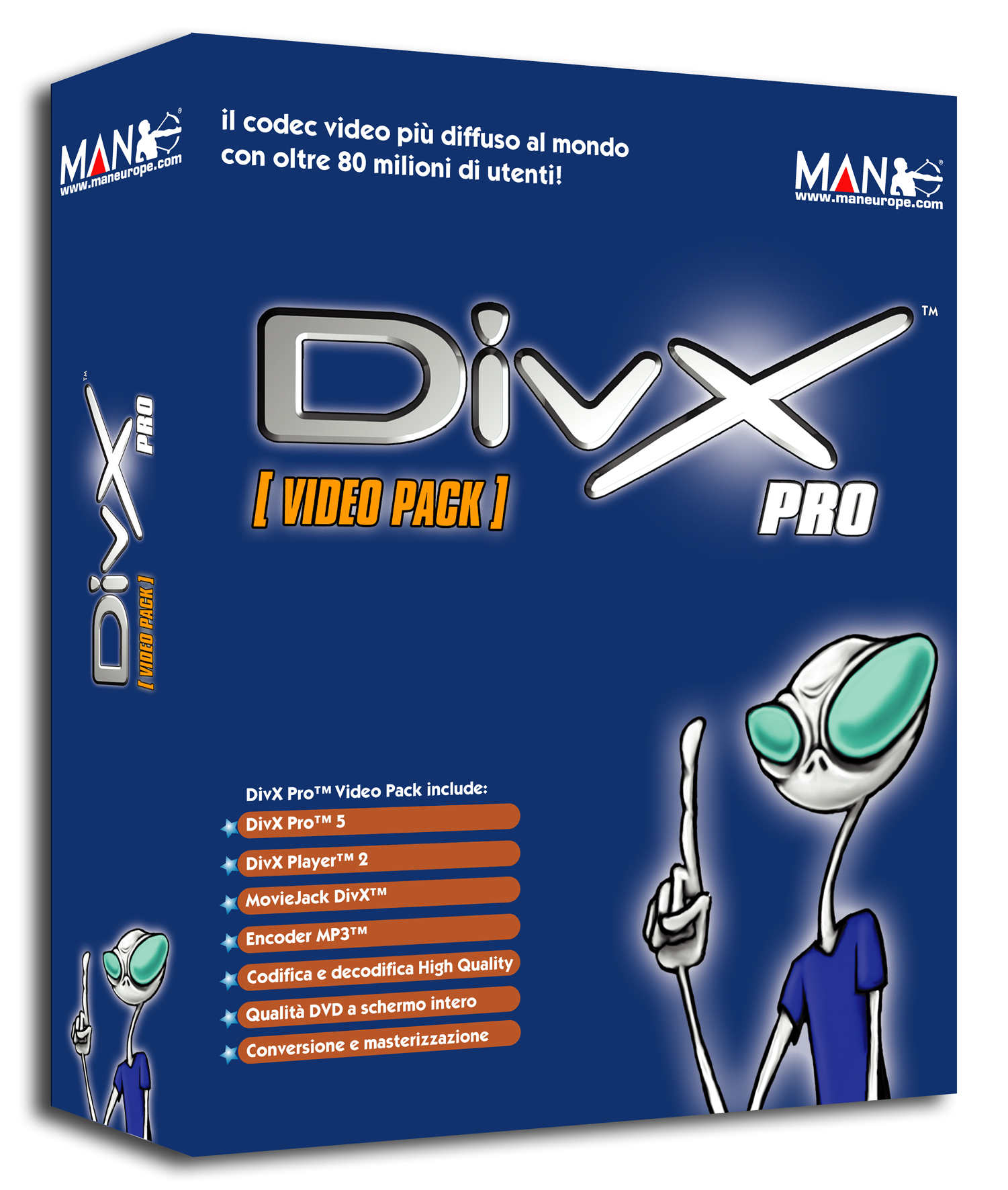
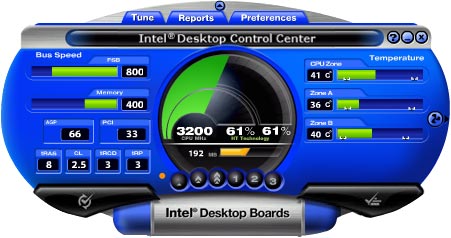


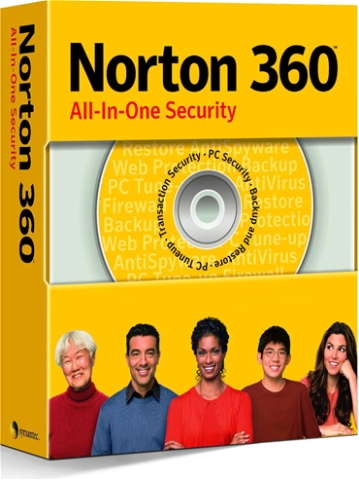
An important part of the service is an Image, with which the user can quickly restore the delivery status in an emergency, optionally also with the entire video editing environment! The package also includes programs for burning, cloning and backing up your data. It also includes virus protection, anti-malware, a firewall and a DivX decoder and encoder. See all content here.
Always 'state of the technical art'!
Modern hard disk technology provides the "state-of-the-art" such as RAID, Solid State Disks, NCQ/AHCI and Super-Paramagnetism and enables transfer rates of up to 500MByte / s per drive for video in broadcast transmission quality.
Read our information article about SSD!
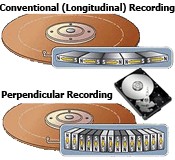
Separate ventilation of the individual hard disks, control of function and temperature through a separate display * not with the super quiet package.
Processor technology of tomorrow.
Be it 64-Bit- instruction sets, multicore and multithread applications, dynamic clock frequencies or direct memory channels with maximum data rates - the VIDEOSTATION® meets all technical requirements.
Useful options!
If desired separate 2nd Windows-Installation for working with standard software and the Internet to ensure safe editing.
Advantages:
- When you start the VIDEOSTATION, you decide which operating system you want to work with. For example, you can operate Windows 7 and the new Windows 10 independently of each other.
- Shared access to the
RAID enables project data to be exchanged.
-If something does happen: Both operating systems can be reset to the delivery status in a few minutes.

Future-proof thanks to the super upgrade package.
No matter where else you buy your video editing pc or workstation: Due to the rapidly increasing complexity of software, your entire purchase with the three most important components CPU, Chipset and main-memory quickly becomes obsolete and you have to buy a new machine to keep up.
That is different with VIDEOSTATION®. Because already with the first purchase you protect your investment in the long term*.
The high-quality RAID hard drive slots , the Super-Quiet package, housing and cabling are retained even when upgrading.
Turn your old VIDEOSTATION® into a brand new one that is on par with the latest models in terms of performance and only part of, what of new device costs .
* The Super Upgrade Package extends the useful life of a VIDEOSTATION® to at least 6 years.


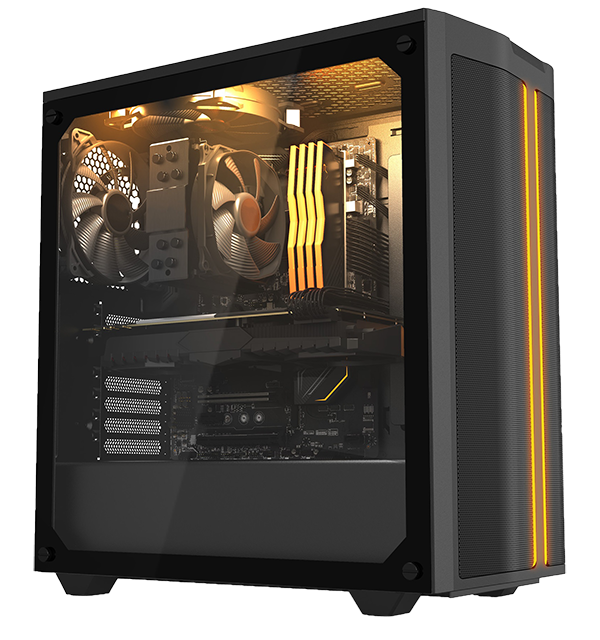
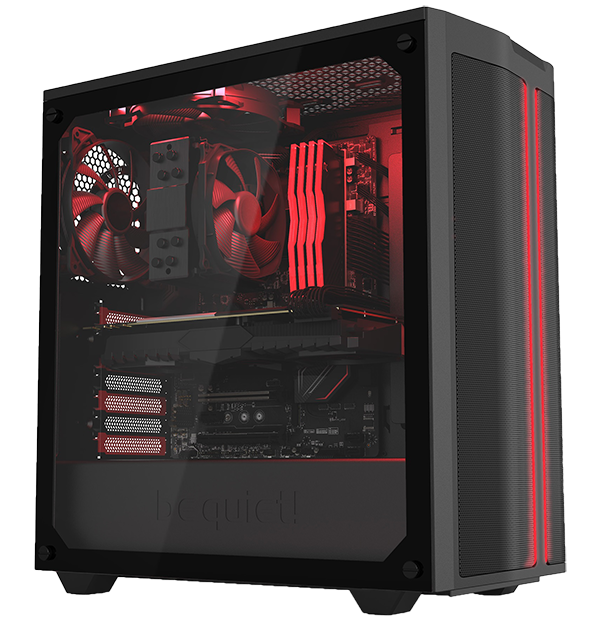 VIDEOSTATION Workstation models 2022 for extreme UHD editing